
Tips & guides
News
Practical advice on buying refurbished iPhones, caring for your device, and getting more from Rainbowmobile.

"SIM not supported" or "No Service": what to check on a new-to-you iPhone
Four messages, four different causes. Here is what each one means on a new-to-you iPhone, the checks that fix most cases in minutes, and when to get in touch.
Read moreabout "SIM not supported" or "No Service": what to check on a new-to-you iPhone
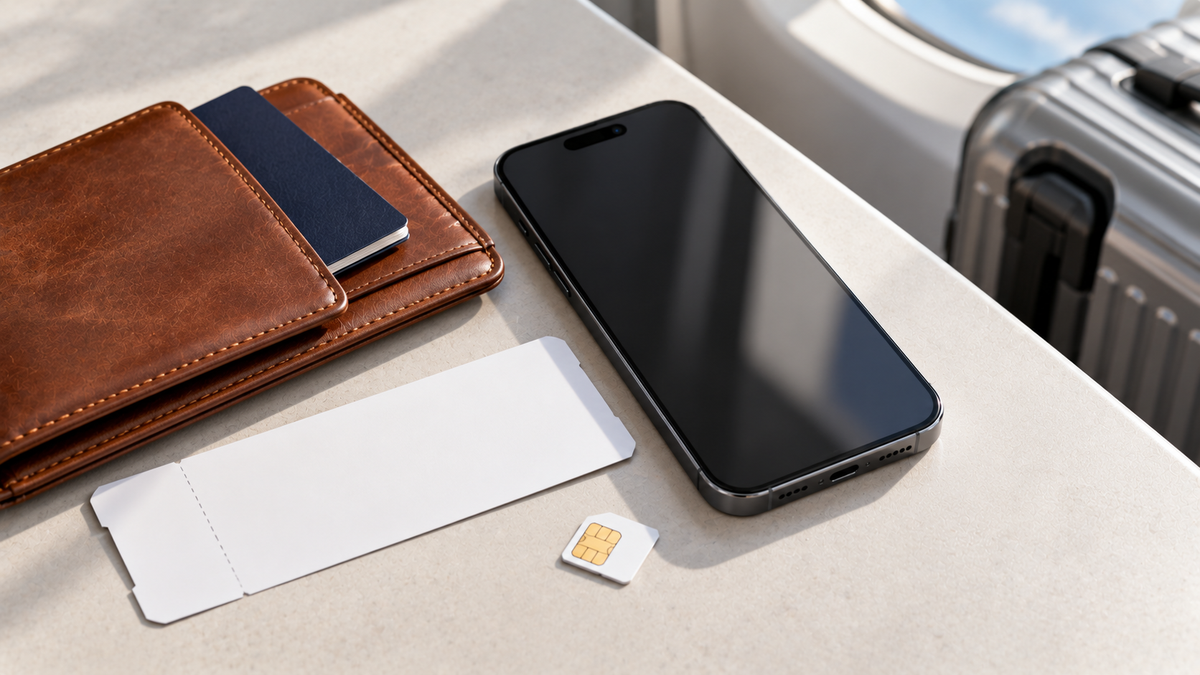
eSIM-only iPhones and imported models: what to check before buying refurbished
A refurbished iPhone may have started life in the United States, Hong Kong or Japan. Most differences are harmless; a few matter. Here is how to tell.
Read moreabout eSIM-only iPhones and imported models: what to check before buying refurbished
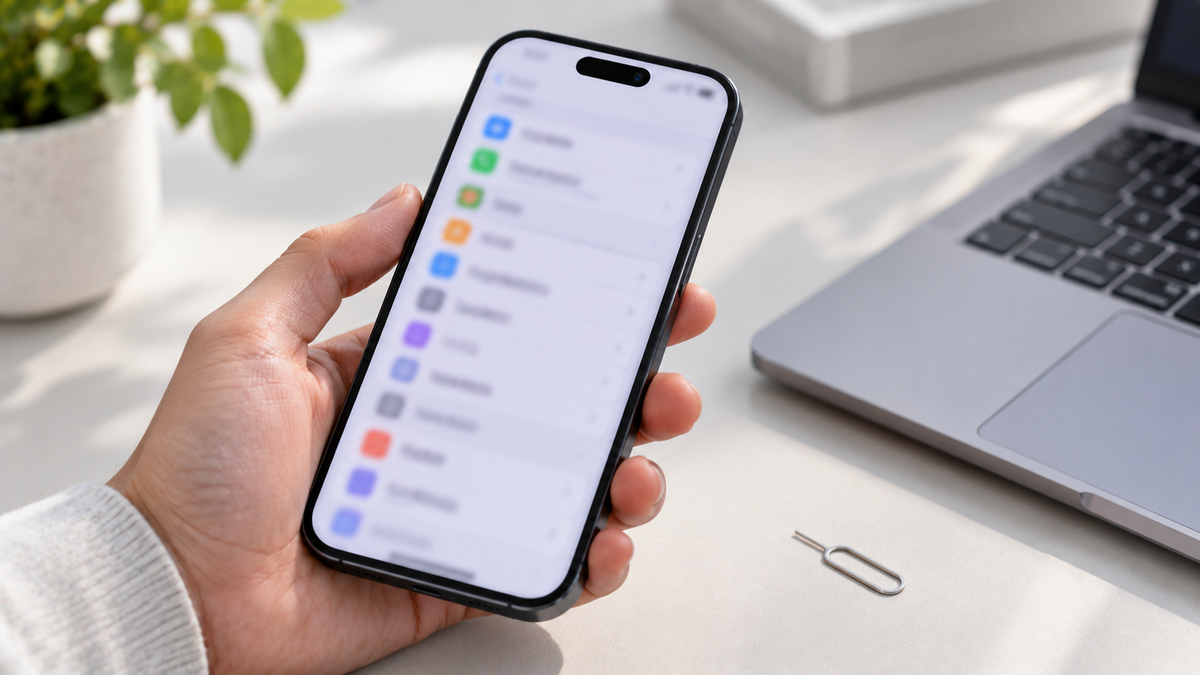
How to check an iPhone's IMEI, activation lock and blacklist status before you buy
Five minutes of checks separate a good used iPhone from an expensive paperweight. Here is exactly what to look up, in order, before money changes hands.
Read moreabout How to check an iPhone's IMEI, activation lock and blacklist status before you buy

How to check an iPhone is unlocked, and what “SIM-free” really means
Unlocked, SIM-free, carrier-locked, activation-locked: the words sound similar but mean very different things. Here is how to check a phone in a few minutes.
Read moreabout How to check an iPhone is unlocked, and what “SIM-free” really means