
Tips & guides
News
Practical advice on buying refurbished iPhones, caring for your device, and getting more from Rainbowmobile.

"SIM not supported" or "No Service": what to check on a new-to-you iPhone
Four messages, four different causes. Here is what each one means on a new-to-you iPhone, the checks that fix most cases in minutes, and when to get in touch.
Read moreabout "SIM not supported" or "No Service": what to check on a new-to-you iPhone
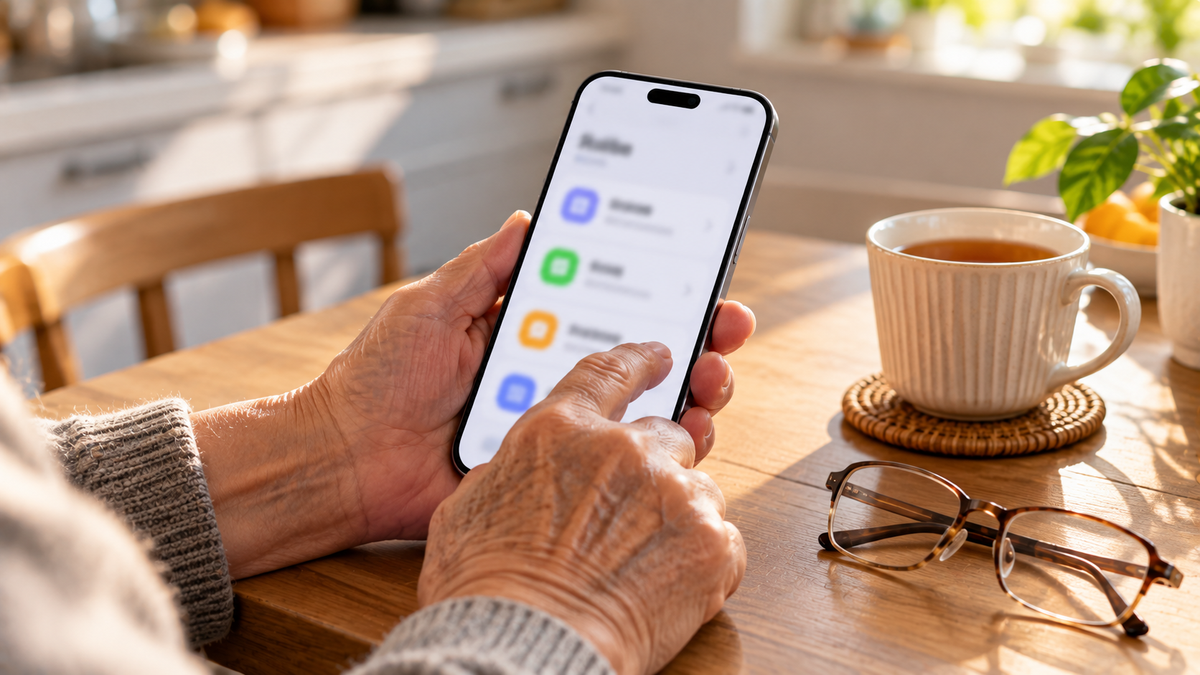
The best iPhone for older parents, and the settings to switch on
A bigger screen helps, but weight matters too. Here is how to choose an iPhone for an older parent, and the safety and accessibility settings to set up before you hand it over.
Read moreabout The best iPhone for older parents, and the settings to switch on
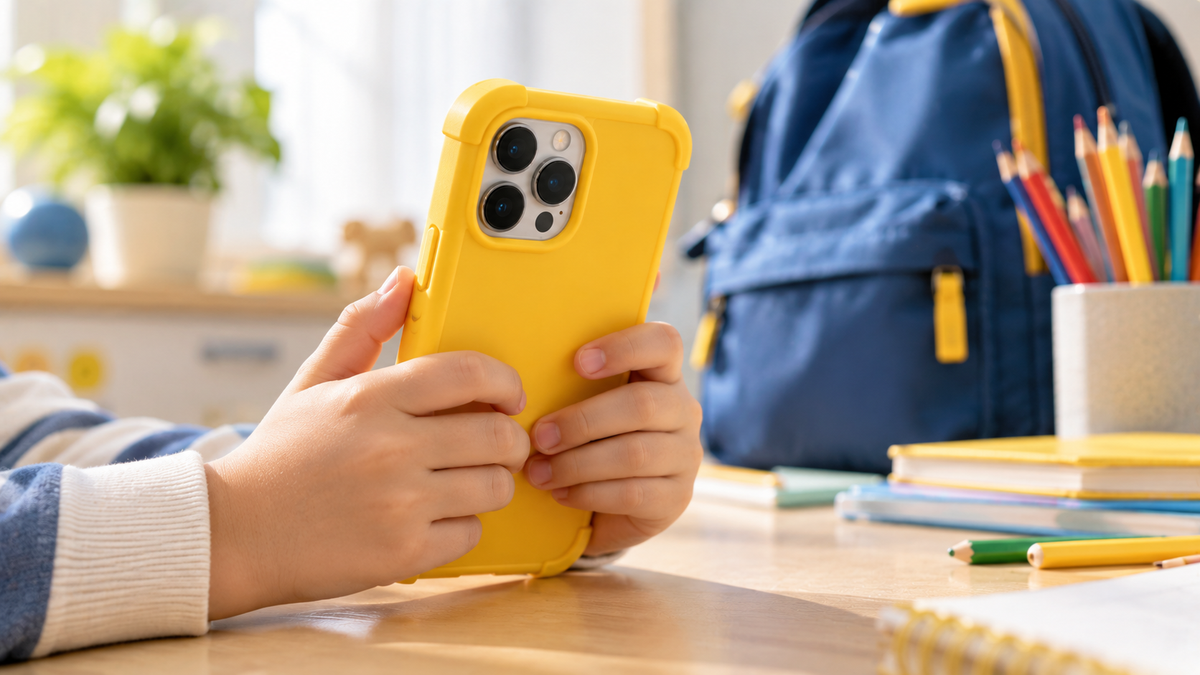
Choosing a first iPhone for a child, and setting up Screen Time
An iPhone 11, 12 or 13 makes a sensible first phone. Here is how to choose between them, protect it, and set up Family Sharing, Screen Time and Find My before you hand it over.
Read moreabout Choosing a first iPhone for a child, and setting up Screen Time

How to make your iPhone battery last longer
Two different goals: getting through today, and keeping the battery healthy for years. Here are the settings and habits that help with both.

Moving everything to your refurbished iPhone: from an old iPhone or from Android
A refurbished iPhone arrives erased, which makes moving in simple if you do it in the right order. Here is the order, for iPhone-to-iPhone and Android-to-iPhone.
Read moreabout Moving everything to your refurbished iPhone: from an old iPhone or from Android
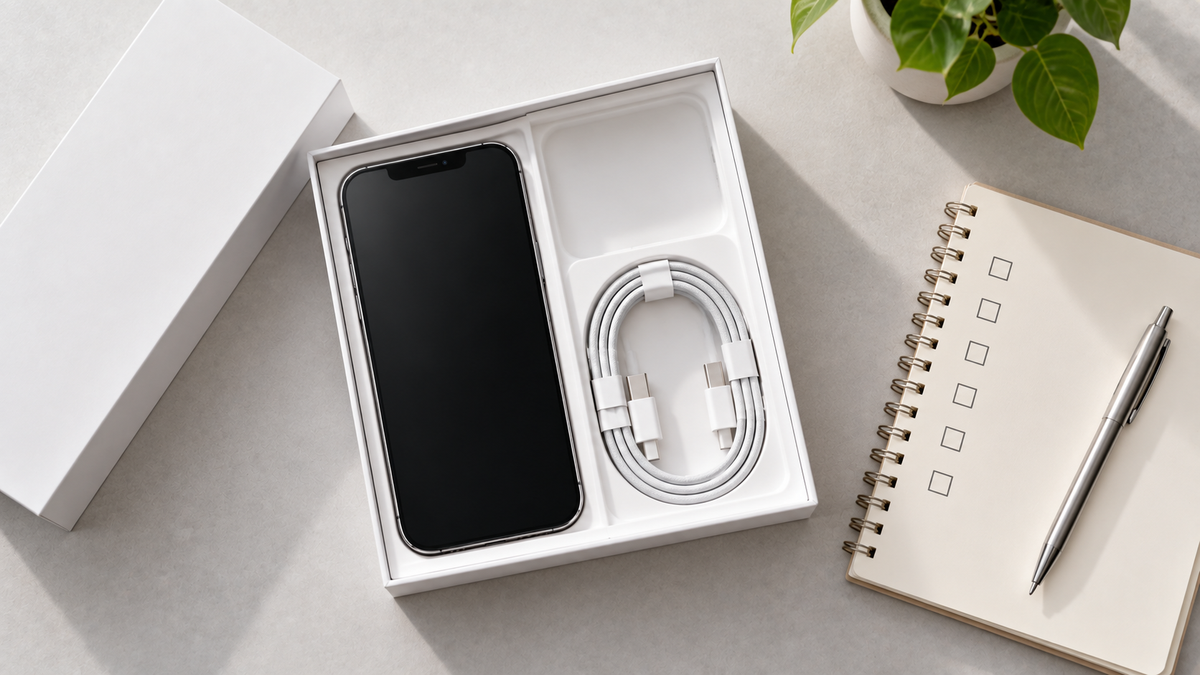
Your refurbished iPhone has arrived: a first-day checklist
Ten minutes on the day the box arrives is enough to confirm the phone is exactly what you ordered. Here is the order to do it in.
Read moreabout Your refurbished iPhone has arrived: a first-day checklist