
- by Howard
Your refurbished iPhone has arrived: a first-day checklist
- by Howard
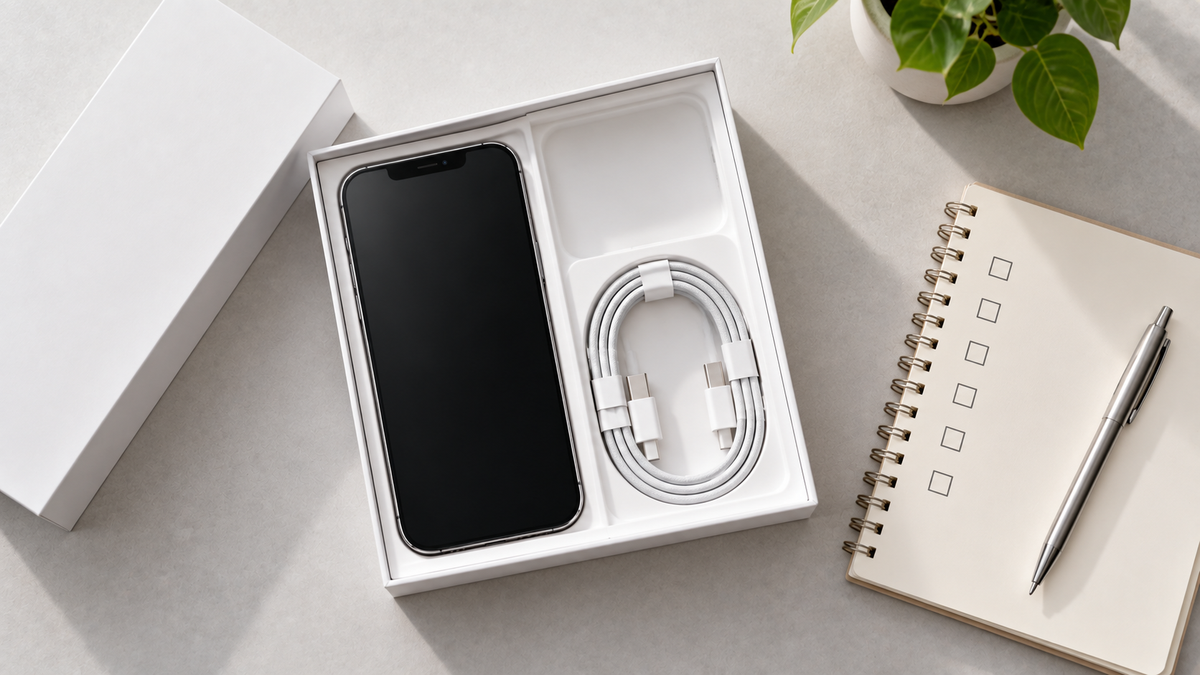
The box is on the table. Before the phone disappears into daily life, a short routine confirms three things: it is the phone you ordered, everything on it works, and nothing from a previous owner is still attached to it. All of it fits into the first ten minutes, while the phone is charging.
Dial *#06# or open Settings → General → About. The 15-digit IMEI should match the label on the box and, if you asked for it, the number on your order. This is the phone’s fingerprint; matching it is the surest sign you have the right device.
A refurbished phone should arrive reset, at the “Hello” setup screen. If it instead asks for a previous owner’s Apple Account, activation lock is still on and the phone cannot be used: contact the seller straight away. Every phone we sell is reset and checked for activation lock before dispatch, so you should never see this screen; if you ever did, our support team would sort it out.
Insert your SIM or add your eSIM. Then check Settings → General → About → Network Provider Lock: it should read No SIM restrictions. Our guide on checking an iPhone is unlocked covers this in more detail.
Settings → Battery → Battery Health. Every phone we sell has 85% or more unless the listing said otherwise; Premium grade phones usually 90% or more. If a new non-Apple battery has been fitted, iOS may show “Unable to verify” instead of a percentage; that is expected and explained in our article on the “Unknown Part” message.
Settings → General → About → Parts and Service History. A replacement battery, screen or housing shows here as “Unknown Part”. We state replacement parts on the listing, so this screen should hold no surprises.
The setup assistant offers Quick Start: hold your old iPhone next to the new one and it transfers everything directly, including apps, photos and most settings. Coming from Android, the Move to iOS app does the same over Wi-Fi. Either way, keep both phones plugged in until the transfer finishes, then sign in to your own Apple Account and turn on Find My.
Our step-by-step guide to moving your data to a refurbished iPhone covers each method in more detail.
Settings → General → Software Update. A phone that has been in stock for a few weeks may be one or two versions behind. The update takes a few minutes and brings the latest security fixes.
You have 30 days from delivery to return the phone for any reason, with free tracked return shipping, and a 12-month warranty against hardware faults after that. Before sending anything back, sign out of iCloud, turn off Find My and erase the phone, otherwise the refund cannot be completed. Full terms are in our returns and warranty policy.
Yes. Phones are stored at a partial charge, which is best for the battery. Charge it fully on the first day.
Not necessary. The phone has already been erased and reset in our workshop. Setting it up as new, or restoring from your backup, is all that is needed.
Yes. Move your SIM across, or ask your provider to transfer your eSIM to the new phone.
Email a photo to us within 30 days. We either agree and adjust, or you return the phone for a full refund.

"SIM not supported" or "No Service": what to check on a new-to-you iPhone
Four messages, four different causes. Here is what each one means on a new-to-you iPhone, the checks that fix most cases in minutes, and when to get in touch.
Read moreabout "SIM not supported" or "No Service": what to check on a new-to-you iPhone
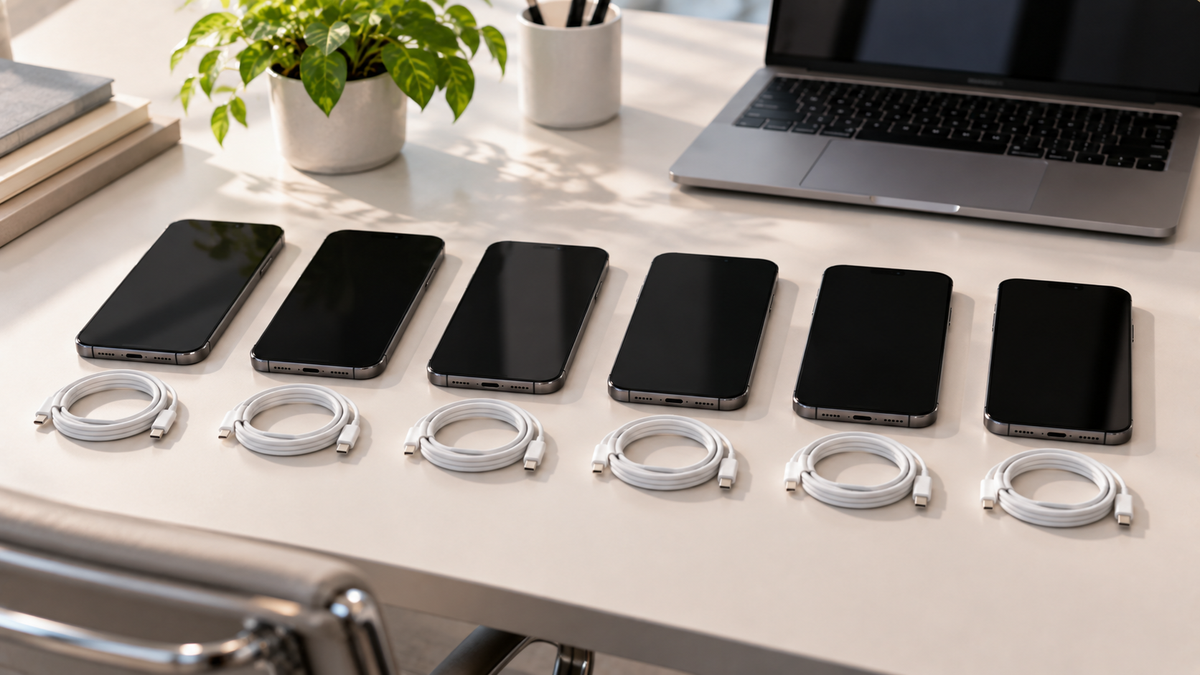
Refurbished iPhones for a business: buying for a team
Refurbished iPhones suit staff phones well. Here is how to choose one model, handle SIMs, Activation Lock and device management, and order ten or more of the same phone.
Read moreabout Refurbished iPhones for a business: buying for a team
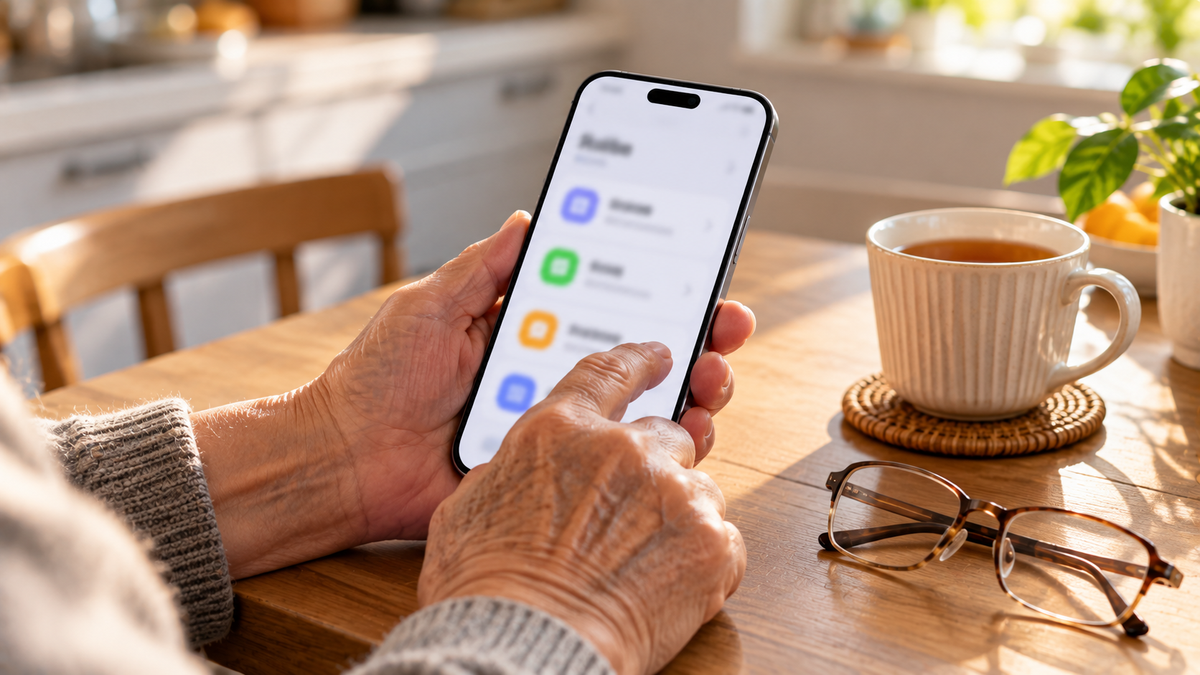
The best iPhone for older parents, and the settings to switch on
A bigger screen helps, but weight matters too. Here is how to choose an iPhone for an older parent, and the safety and accessibility settings to set up before you hand it over.
Read moreabout The best iPhone for older parents, and the settings to switch on
Share:
How long does a refurbished iPhone last?
Refurbished iPhone or private second-hand sale: which is the safer buy?