

Which iPhones support Apple Intelligence, and does it matter if yours does not?
- by Howard
Apple Intelligence is decided by the model of iPhone, not by the version of iOS it runs or whether it is new or refurbished. An iPhone 15 does not have it; an iPhone 15 Pro does. That makes it one of the few features where the exact model name on a listing matters more than anything else, so here is Apple's list, what it means for our range, and how to check a phone in your hand.
According to Apple, Apple Intelligence runs on:
It does not run on the iPhone 15 or iPhone 15 Plus, or on any iPhone 14, 13, 12, 11 or older model. Support is tied to the model, not to the iOS version: an iPhone 14 Pro updated to the newest iOS it can run still does not get it. Apple keeps the full, current list on its Apple Intelligence support page.
| Models we sell | Apple Intelligence |
|---|---|
| iPhone 11 | No |
| iPhone 12, 12 Pro, 12 Pro Max | No |
| iPhone 13, 13 Pro Max | No |
| iPhone 14, 14 Plus, 14 Pro, 14 Pro Max | No |
| iPhone 15 | No |
| iPhone 15 Pro | Yes |
We do not sell the iPhone 15 Pro Max or any iPhone 16 or later model, so the refurbished iPhone 15 Pro is the only phone in our range that runs Apple Intelligence. Refurbishment does not change which features a model supports.
It is a set of features built into iOS rather than a single app. Depending on the iOS version, your language and your region, it includes things such as Writing Tools that proofread, rewrite and summarise text; summaries of notifications, messages and emails; Clean Up in Photos, which removes distracting objects from a picture; searching your photos by describing them; Genmoji and Image Playground for creating images; and a more capable version of Siri. With AirPods Pro 2 on up-to-date firmware, a supported iPhone can also offer Live Translation in supported languages.
Apple adds and changes features with each major iOS release, and it reserves some of the newest ones for more recent models, so even a supported phone such as the 15 Pro does not get every feature.
Plenty of people do not, and that is a sound basis for choosing. Without Apple Intelligence an iPhone still does everything it did before: calls, messages, the camera, Face ID, Apple Pay, apps and Siri in its classic form. It keeps receiving iOS updates for as long as Apple supports the model. What you give up is the list above, nothing more. A few practical points:
If you are unsure which model suits you, our guide to which refurbished iPhone to buy compares the whole range.
No. Apple supports it on the iPhone 15 Pro and 15 Pro Max, but not on the iPhone 15 or 15 Plus.
No. Support is tied to the model. The 14 Pro keeps receiving iOS updates while Apple supports it, but not Apple Intelligence.
Yes. Features depend on the model, the iOS version, and your language and region, not on whether the phone is new or refurbished.
No. Everything else in iOS works without it. It is worth choosing a 15 Pro for if you want its writing, summary, photo and Siri features; otherwise choose on screen, battery and camera.

"SIM not supported" or "No Service": what to check on a new-to-you iPhone
Four messages, four different causes. Here is what each one means on a new-to-you iPhone, the checks that fix most cases in minutes, and when to get in touch.
Read moreabout "SIM not supported" or "No Service": what to check on a new-to-you iPhone
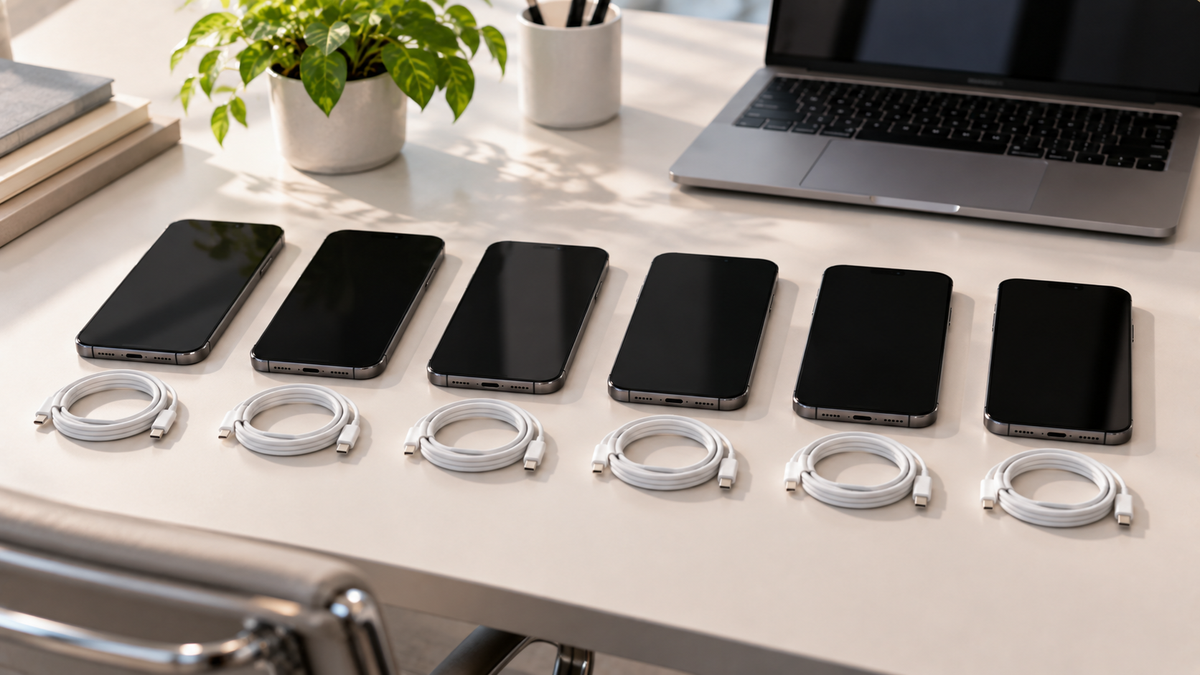
Refurbished iPhones for a business: buying for a team
Refurbished iPhones suit staff phones well. Here is how to choose one model, handle SIMs, Activation Lock and device management, and order ten or more of the same phone.
Read moreabout Refurbished iPhones for a business: buying for a team
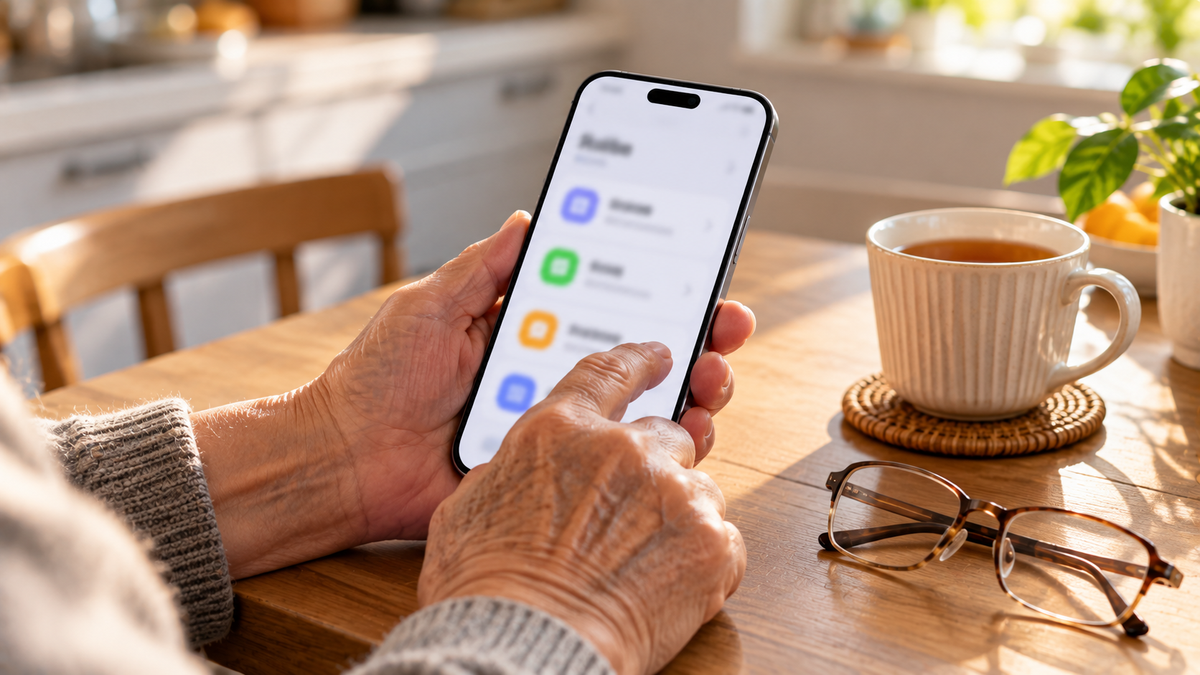
The best iPhone for older parents, and the settings to switch on
A bigger screen helps, but weight matters too. Here is how to choose an iPhone for an older parent, and the safety and accessibility settings to set up before you hand it over.
Read moreabout The best iPhone for older parents, and the settings to switch on
Share:
USB-C or Lightning: which cable your iPhone needs, how fast it charges and what comes in the box
USB-C or Lightning: which cable your iPhone needs, how fast it charges and what comes in the box